
Introduction to Optimizing VALORANT Settings
The VALORANT Champions Tour has experienced tremendous growth in popularity, with over 1 million viewers tuning in for the 2022 championship. As the competitive scene continues to expand, players are looking for ways to gain a competitive edge. Optimizing in-game settings can be a key factor in improving performance, allowing players to focus on strategy and skill development.
Riot Games regularly updates VALORANT with new agent abilities and map layouts, which can significantly impact gameplay. These updates require players to adapt and adjust their settings to maximize their effectiveness. By optimizing their settings, players can ensure they are performing at their best, even as the game's meta evolves.

In this guide, we will walk you through the process of optimizing your VALORANT settings for competitive play. We will cover the essential settings that can impact your gameplay, from graphics and audio to controls and interface. By following these steps, you can improve your performance and gain a competitive edge in the VALORANT Champions Tour and other competitive matches.
Step 1: Update Your Monitor Settings for Competitive Play
To gain a competitive edge in VALORANT, it's essential to start with the basics: your monitor settings. A high refresh rate monitor can significantly improve your aim and movement in the game. According to NVIDIA, a high refresh rate monitor can provide a smoother gaming experience, which is particularly important in fast-paced games like VALORANT.
- A monitor with a high refresh rate (at least 144Hz)
- A monitor with a low response time (5ms or lower)
Riot Games, the developer of VALORANT, recommends using a monitor with a response time of 5ms or lower. This ensures that the gameplay experience is seamless and responsive, allowing you to react quickly to changing situations in the game. By updating your monitor settings to meet these recommendations, you can improve your overall performance and gain a competitive edge over your opponents.

In addition to a high refresh rate and low response time, it's also important to consider other monitor settings, such as brightness, contrast, and color calibration. By optimizing these settings, you can create a gaming environment that is comfortable and conducive to competitive play. In the next step, we'll explore how to optimize your in-game settings for competitive VALORANT play.
Step 2: Configure Your Keyboard and Mouse for Optimal Performance
Configuring your keyboard and mouse settings is crucial for achieving optimal performance in VALORANT. A key aspect to consider is the DPI (dots per inch) setting, which affects the sensitivity of your mouse. A lower DPI can improve aim accuracy, as it allows for more precise movements. According to Logitech, a lower DPI setting can be beneficial for games that require accurate aiming, such as VALORANT.
In addition to DPI, the polling rate of your mouse is also essential for competitive play. A higher polling rate means that your mouse will report its position to the computer more frequently, resulting in faster and more accurate movement. Professional players often use a mouse with a high polling rate to gain a competitive edge. For example, Razer mice are popular among professional gamers due to their high polling rates and precise movement.
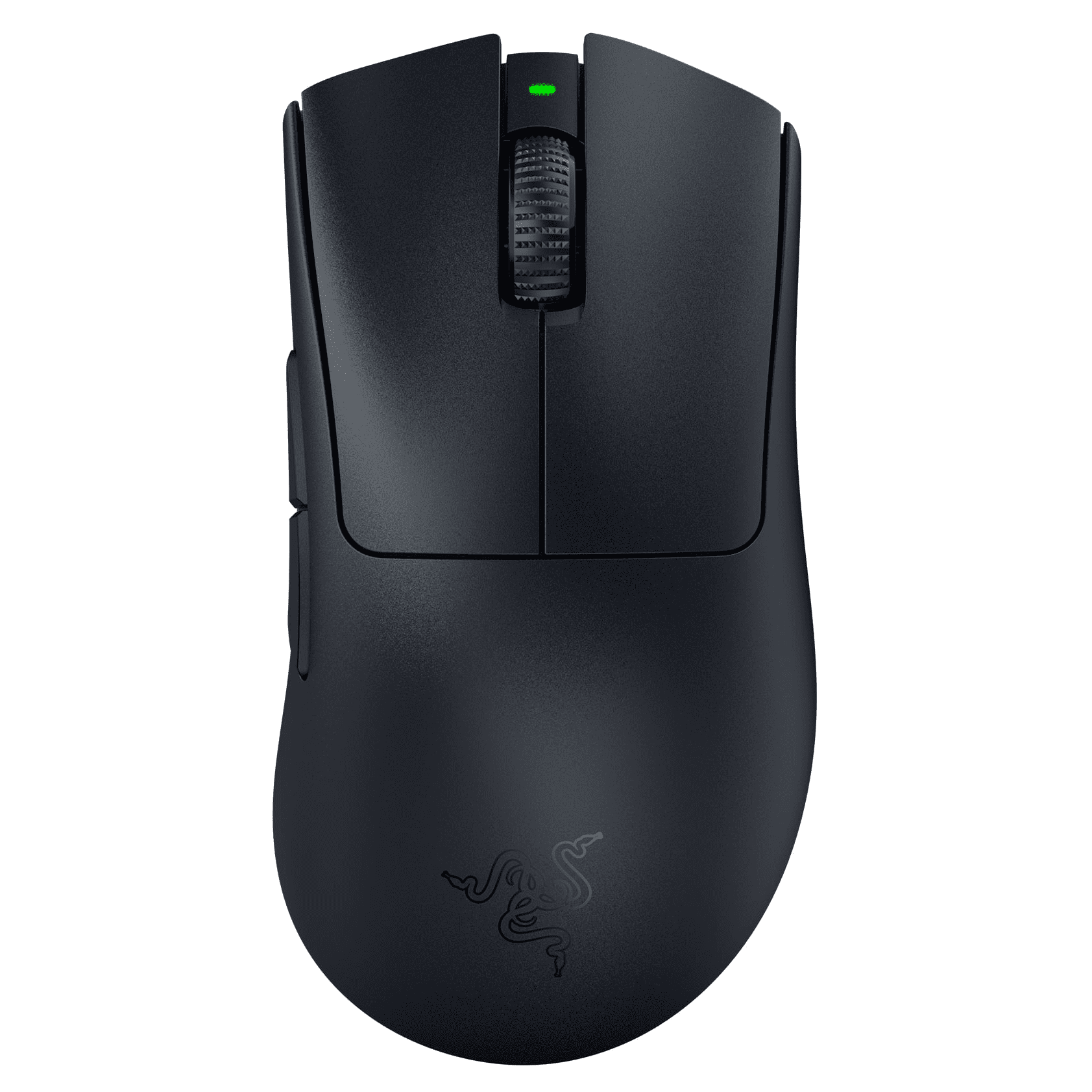
To configure your keyboard and mouse settings, start by adjusting the DPI and polling rate to your preferred settings. You can also customize the keyboard bindings to fit your playstyle. It's essential to experiment with different settings to find what works best for you. By optimizing your keyboard and mouse settings, you can improve your aim accuracy, movement, and overall performance in VALORANT.
Step 3: Optimize Your In-Game Settings for Competitive Play
To optimize your in-game settings for competitive play in VALORANT, it's essential to stay up-to-date with the latest patch notes. The official Riot Games website provides the most recent updates, including changes to agent abilities and map layouts. By regularly checking the patch notes, you can adjust your strategy and settings to stay ahead of the competition.
The current meta in the VALORANT Champions Tour has shifted towards more aggressive play, with teams focusing on quick executes and coordinated pushes. This shift in meta requires players to adapt their in-game settings, such as sensitivity and crosshair size, to accommodate the faster pace of the game. By adjusting your settings to suit the current meta, you can improve your performance and stay competitive.
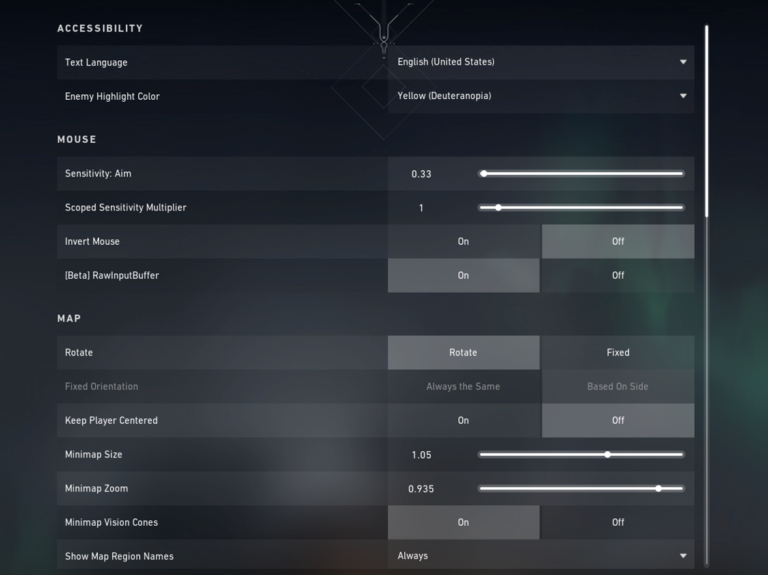
When optimizing your in-game settings, it's crucial to consider your personal playstyle and preferences. Experiment with different settings to find what works best for you, and don't be afraid to try new things. By combining the latest patch notes, the current meta, and your personal preferences, you can create a tailored set of in-game settings that will help you perform at your best in competitive play.
Step 4: Adjust Your Graphics Settings for Smooth Performance
Adjusting your graphics settings is crucial for achieving smooth performance in VALORANT. A key factor to consider is the resolution, as a lower resolution can improve frame rate. According to NVIDIA, using variable rate shading can help reduce the graphical workload and increase frame rates.
- Set your resolution to a lower setting, such as 1280x960 or 1024x768, to improve frame rate
- Ensure that your frame rate is at least 144 FPS, as recommended by Riot Games for competitive play
To apply these settings, navigate to the graphics settings menu in VALORANT and adjust the resolution and frame rate caps accordingly. It's also important to note that these settings may vary depending on your system's hardware and capabilities. Experimenting with different settings can help you find the optimal balance between visual quality and performance.

Step 5: Use Hardware Optimizations to Gain an Edge
To further enhance your competitive edge in VALORANT, it's crucial to leverage hardware optimizations. One such optimization is NVIDIA Reflex, a technology designed to reduce system latency in games. By enabling NVIDIA Reflex, VALORANT players can experience improved responsiveness and faster reaction times, giving them a significant advantage in competitive play.
Another vital hardware optimization for VALORANT players is AMD Anti-Lag. This technology is specifically designed to reduce input lag, allowing for more precise and timely actions during gameplay. By minimizing the delay between player input and the corresponding action on the screen, AMD Anti-Lag can significantly impact a player's performance, especially in fast-paced games like VALORANT.
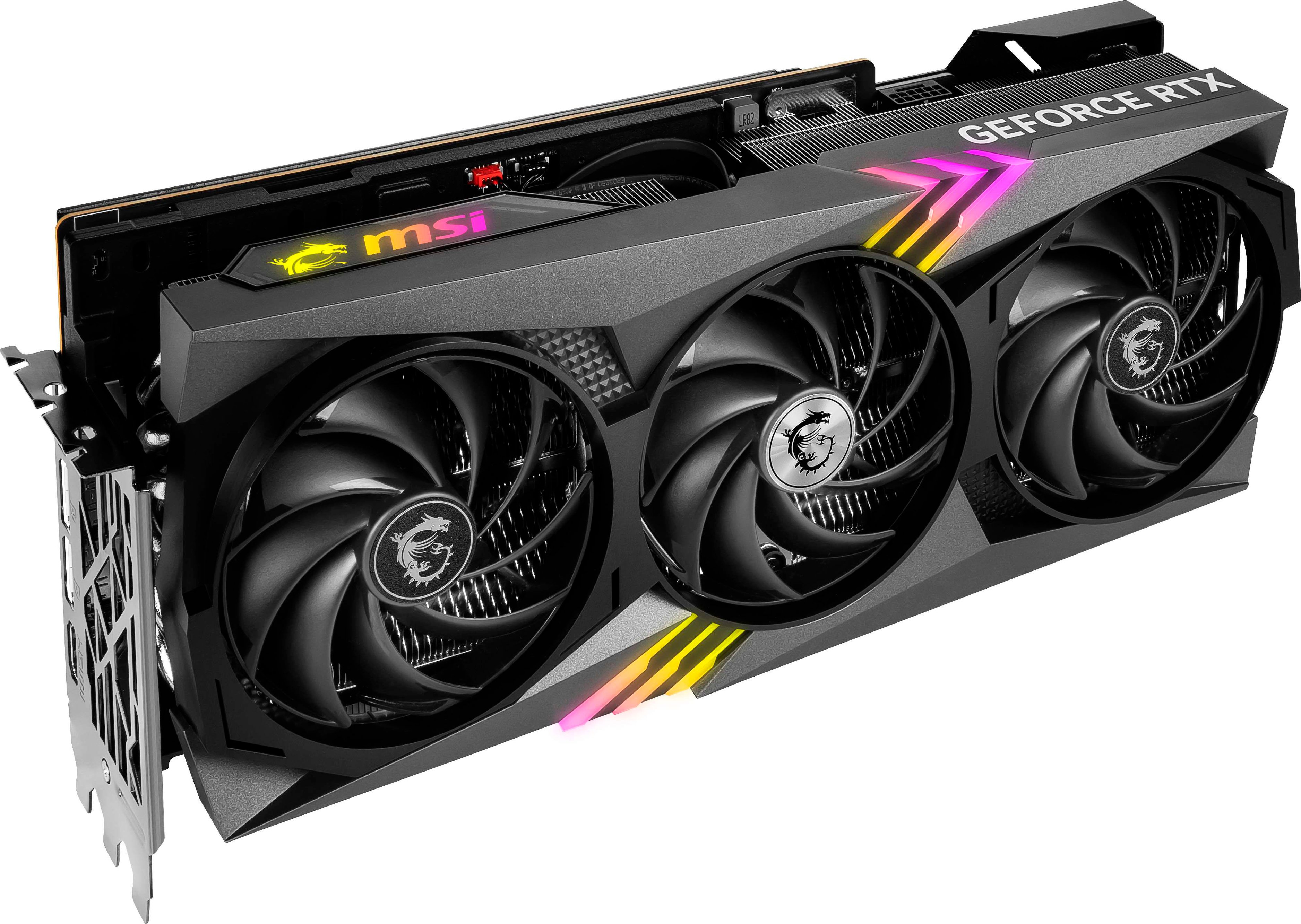
Both NVIDIA Reflex and AMD Anti-Lag are examples of how hardware optimizations can directly influence gameplay and overall performance. By taking advantage of these technologies, VALORANT players can gain a competitive edge, responding faster to in-game situations and executing actions more precisely. Whether you're a professional player or an aspiring competitor, utilizing the right hardware optimizations can make a significant difference in your VALORANT gameplay.
Step 6: Test and Refine Your Settings for Optimal Performance
Testing and refining your settings is crucial to achieving optimal performance in VALORANT. One effective way to do this is by utilizing deathmatch mode, which allows you to test and refine your aim and movement settings in a fast-paced environment. According to the official VALORANT website, deathmatch mode is an excellent way to fine-tune your settings and improve your overall gameplay.
Another way to identify areas for improvement in your settings and gameplay is by watching professional matches. Observing how professional players move, aim, and interact with the environment can provide valuable insights into optimal settings and techniques. You can watch pro matches on platforms like Twitch, which regularly streams VALORANT tournaments and matches.

By combining these methods, you can test and refine your settings to achieve optimal performance in VALORANT. Remember to regularly review and adjust your settings as you continue to play and improve, and don't be afraid to experiment with different settings to find what works best for you.
Conclusion: Next Steps for Optimizing Your VALORANT Settings
Optimizing your VALORANT settings is a crucial step in improving your gameplay and gaining a competitive edge. By following the steps outlined in this guide, you can enhance your performance and stay ahead of the competition. The VALORANT Champions Tour continues to grow in popularity, with new teams and players emerging, making it essential to stay up-to-date with the latest settings and hardware optimizations.
To stay current with the latest updates to VALORANT's settings and hardware optimizations, it's recommended to regularly check the official Riot Games website. This will ensure you have access to the most recent information and can make adjustments to your settings accordingly. Additionally, keeping an eye on the competitive scene and watching professional players can provide valuable insights into optimal settings and strategies.
By continuously monitoring updates and adjustments to your settings, you can refine your gameplay and improve your overall performance. Remember to test and refine your settings regularly to ensure you're getting the most out of your gameplay experience. With the right settings and a bit of practice, you can take your VALORANT game to the next level and compete with the best of the best.